Instances
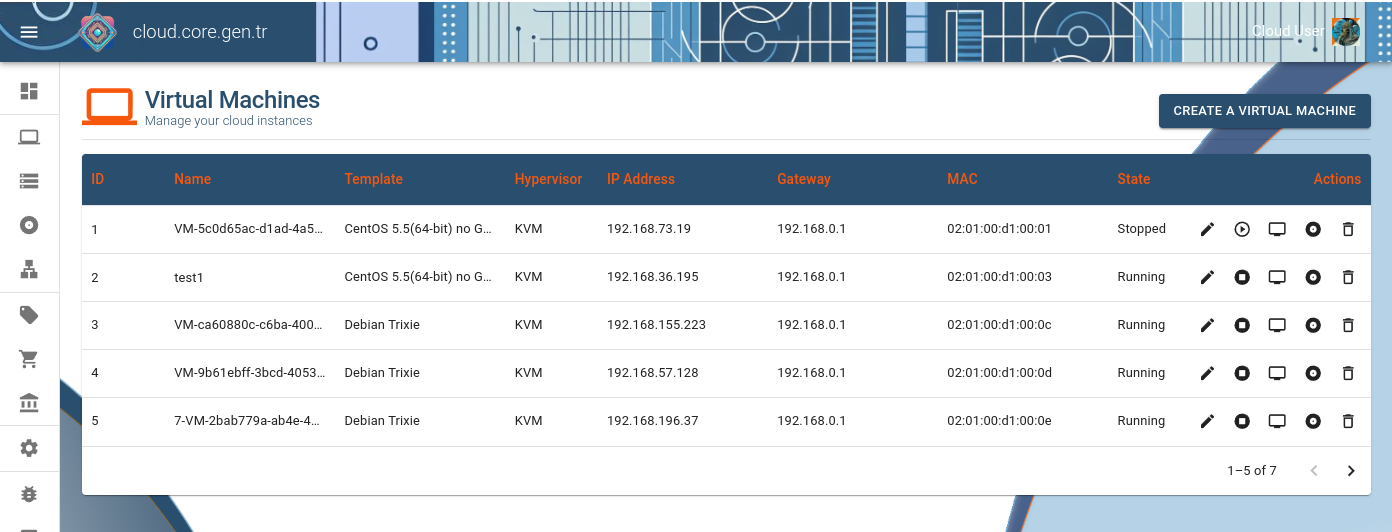
Instances are created after purchase with randomly generated names. Instances owned by a cloud account are listed at the instances table.
Instance Listing
The instances table provides an overview of all your cloud instances, showing their names, status, operating system, and resource allocation.
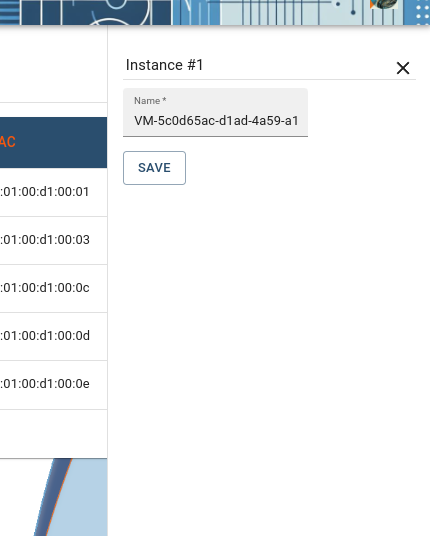
Edit Instance Name
You can rename your instances for easier identification. Click the edit icon next to the instance name to change it.
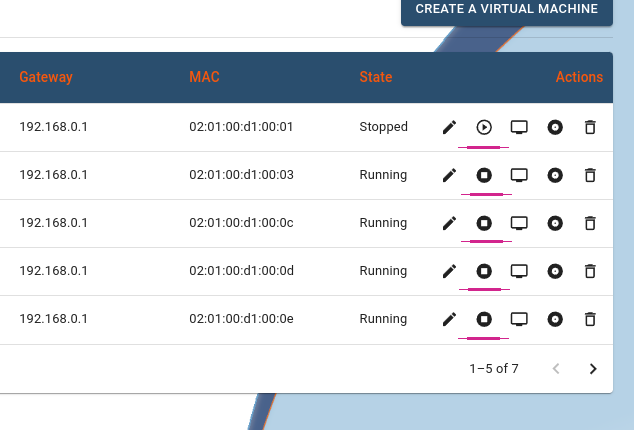
Starting/Stopping Instances
Manage your instance's power state: start, stop, or restart as needed. These controls are available in the instance actions menu.
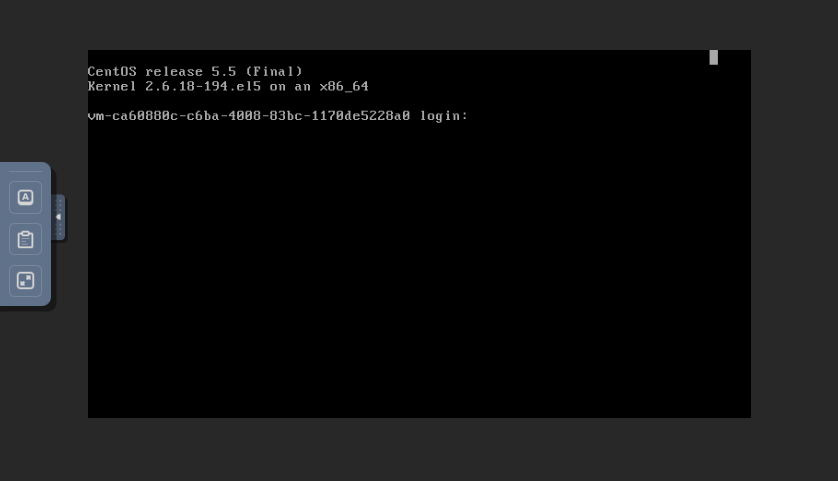
Accessing Console via NoVNC
Connect directly to your instance's console using the built-in NoVNC viewer for troubleshooting or initial configuration.
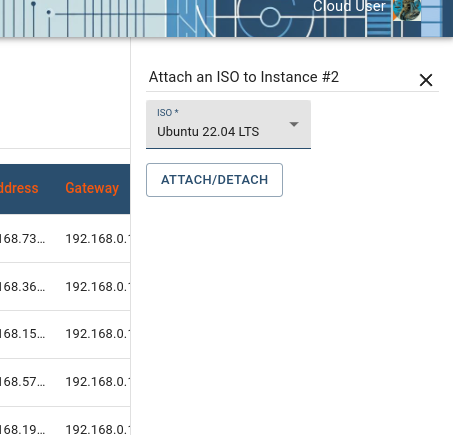
Attaching/Detaching an ISO Image
Mount ISO images to your instance as virtual CD/DVD drives for installing operating systems or additional software.